🏷️ Item Management (Stock)
This page explains how to create and manage physical items in the catalog. If you want to understand how QR labels are ordered, assigned, and used in the field, start with the getting started guide for catalog and labels.
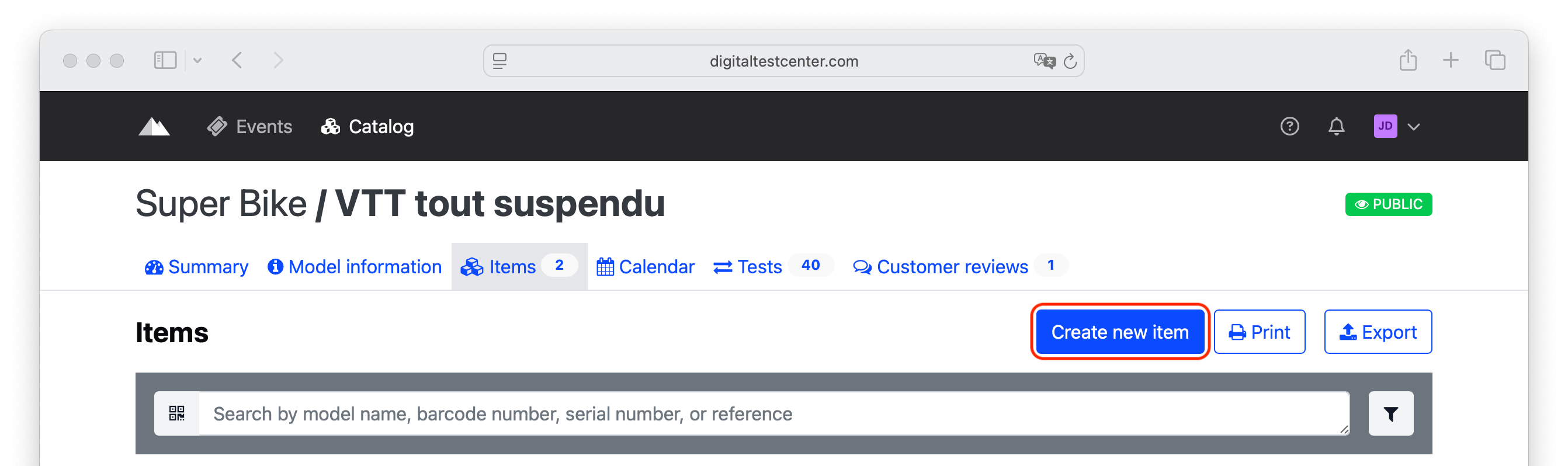
Once the model configuration is complete and saved, click on Items.

To create an item, click on Create new item.
Entering Barcodes
Attention
You must create one barcode per physical item.
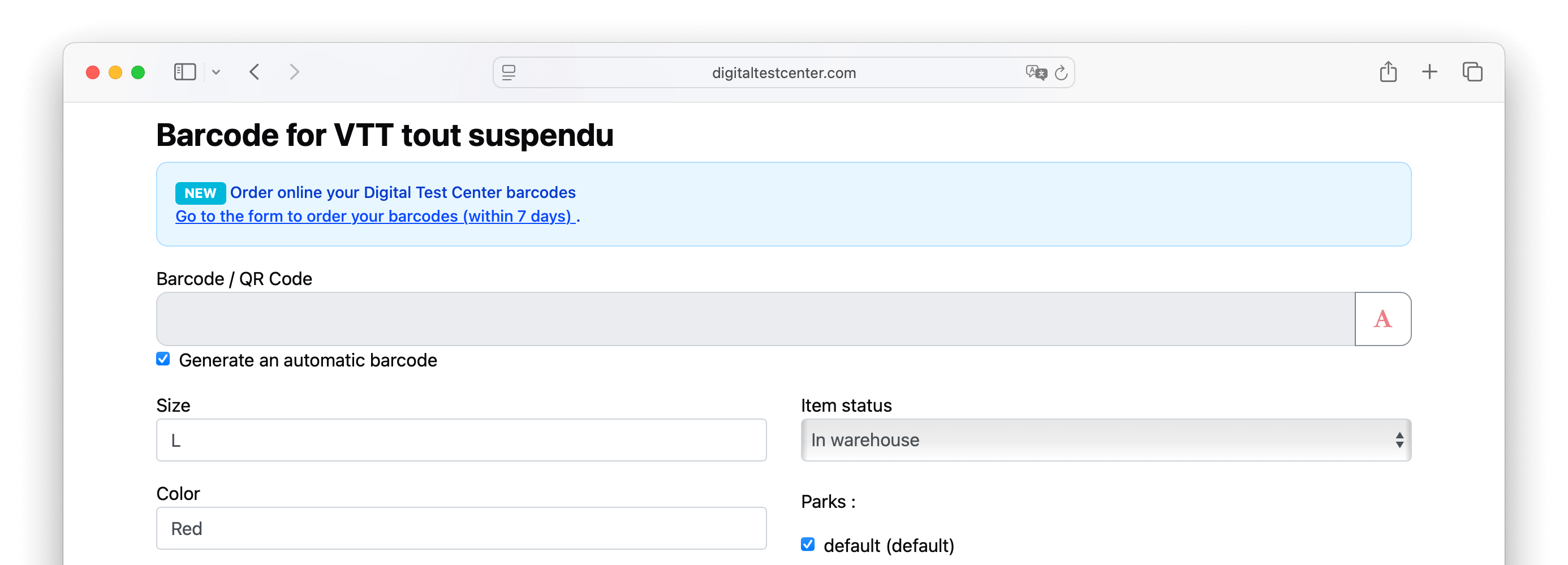
Enter the barcode from the sticker attached to your item.
Complete it with the size and color, then validate your entry by clicking Save.
Automatic barcode
For accessories and products that do not allow the placement of a physical barcode, check the box for Automatic barcode.