
📝 Register Tester
INFO
If you do not need to register a tester, you can start the test directly by scanning the product barcode. Refer to How to start a test.
Create Registration
From the Tester tab press the + button at the bottom of the screen to add a new tester.
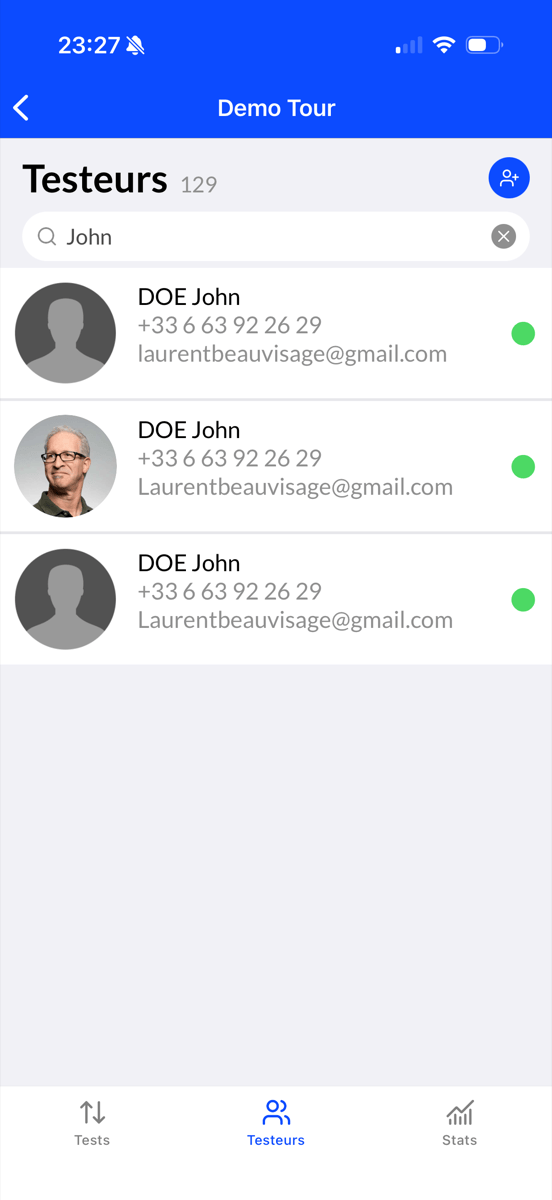
Complete the form.
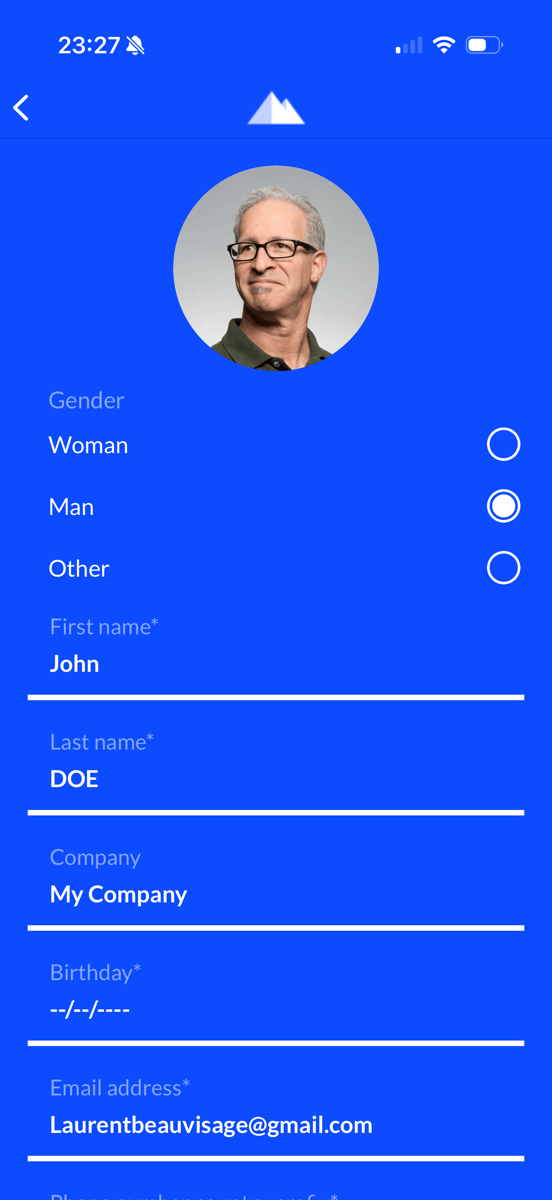
Then confirm by pressing Save contact.
Start Test with Registration
After saving the participant press Yes, use it to associate a product with this tester.
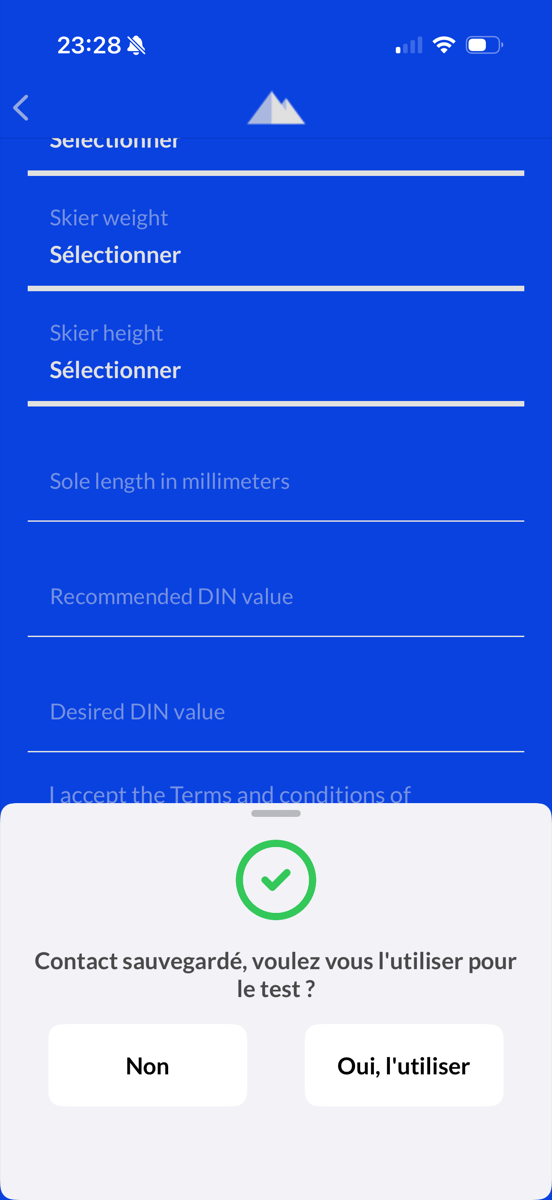
The tester is now identified.
TIP
Follow the instructions in How to start a test to start the test.