
🚀 How to Start
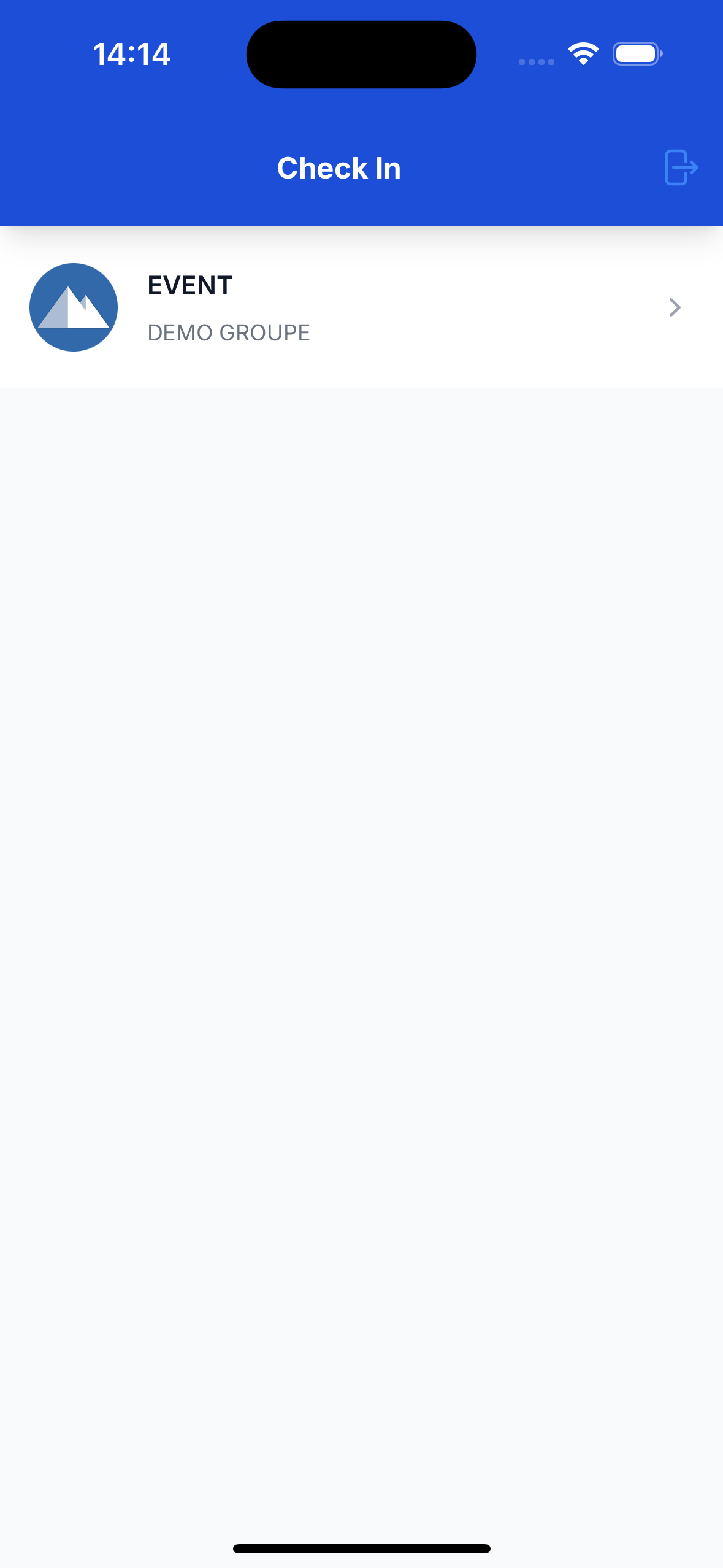
- After logging in, you'll see a list of events. Tap on the event you want to participate in.
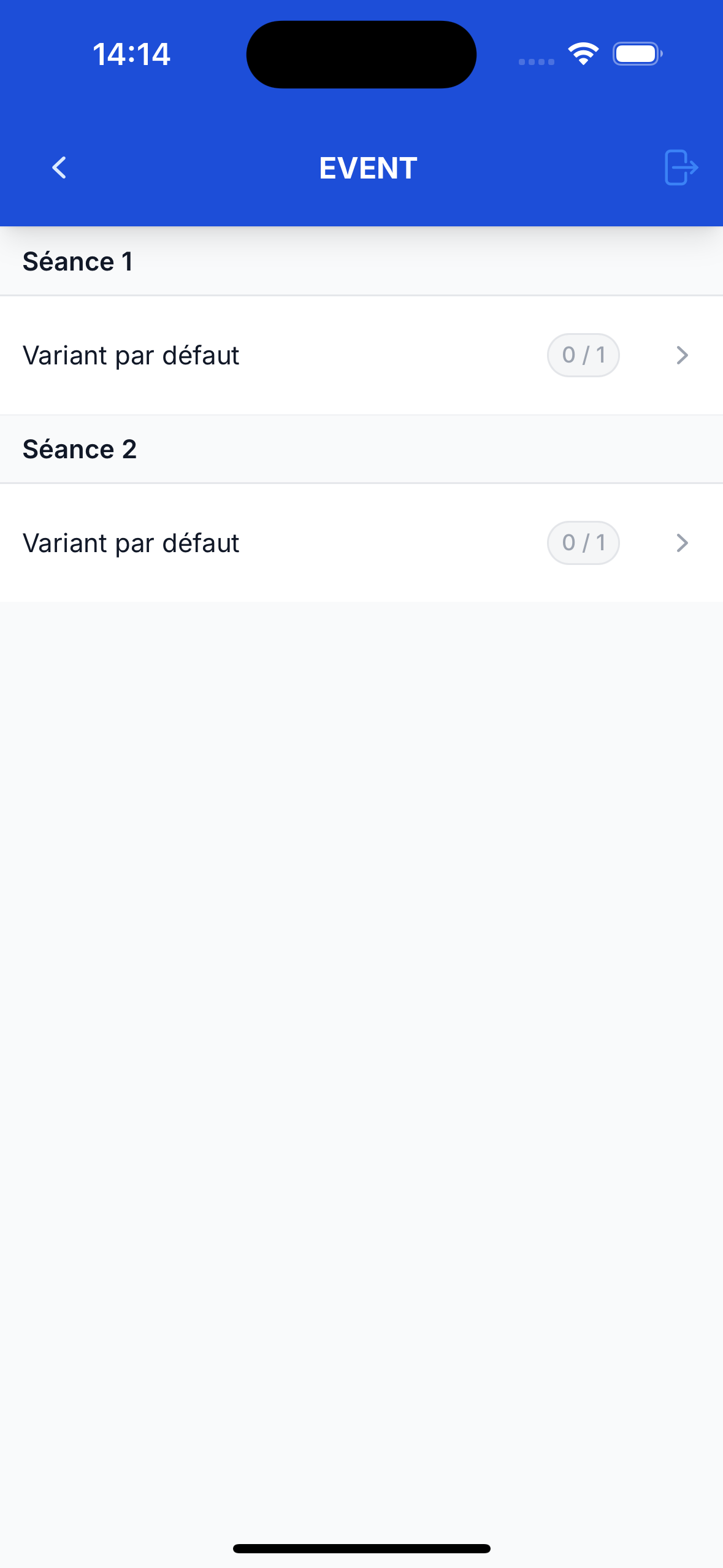
- Next, choose the activity within the event.
- A pop-up will appear asking for permission to use your phone's camera. Tap Allow.
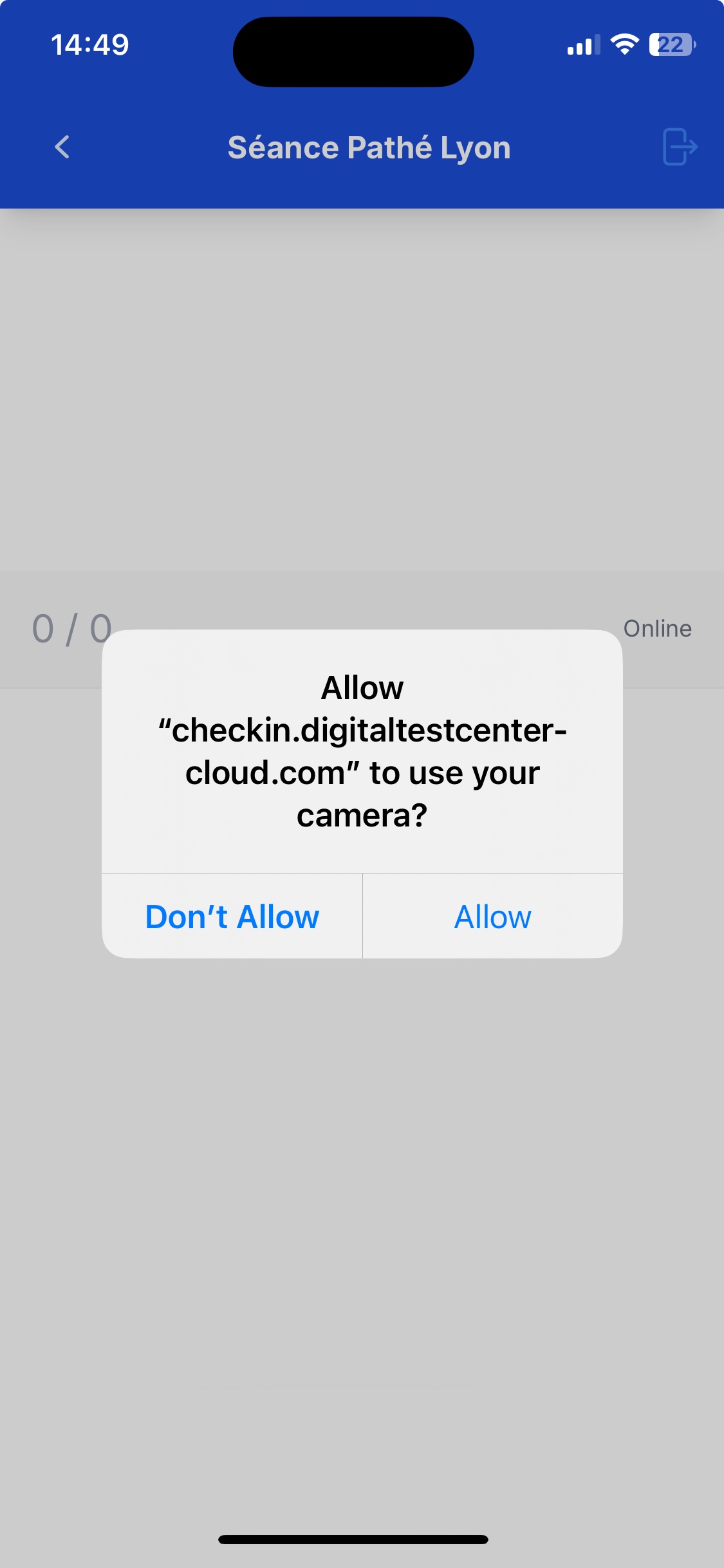
📸 Important: The camera access is required to scan the QR code in the next step.