📲 How to Access the Check-In App
🍏 For iPhone
- Open Safari and navigate to https://checkin.digitaltestcenter-cloud.com.
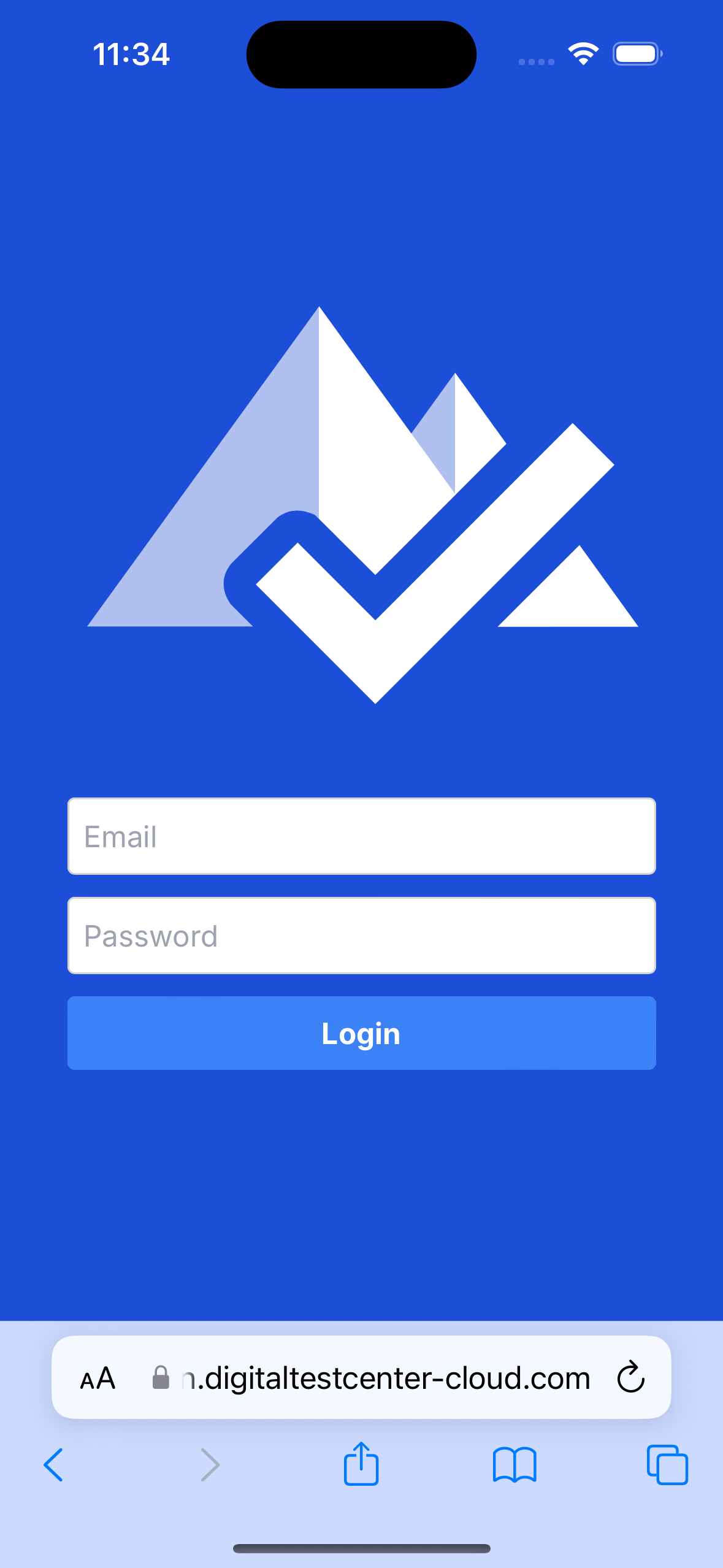
Tap the Share button at the center bottom of the screen.
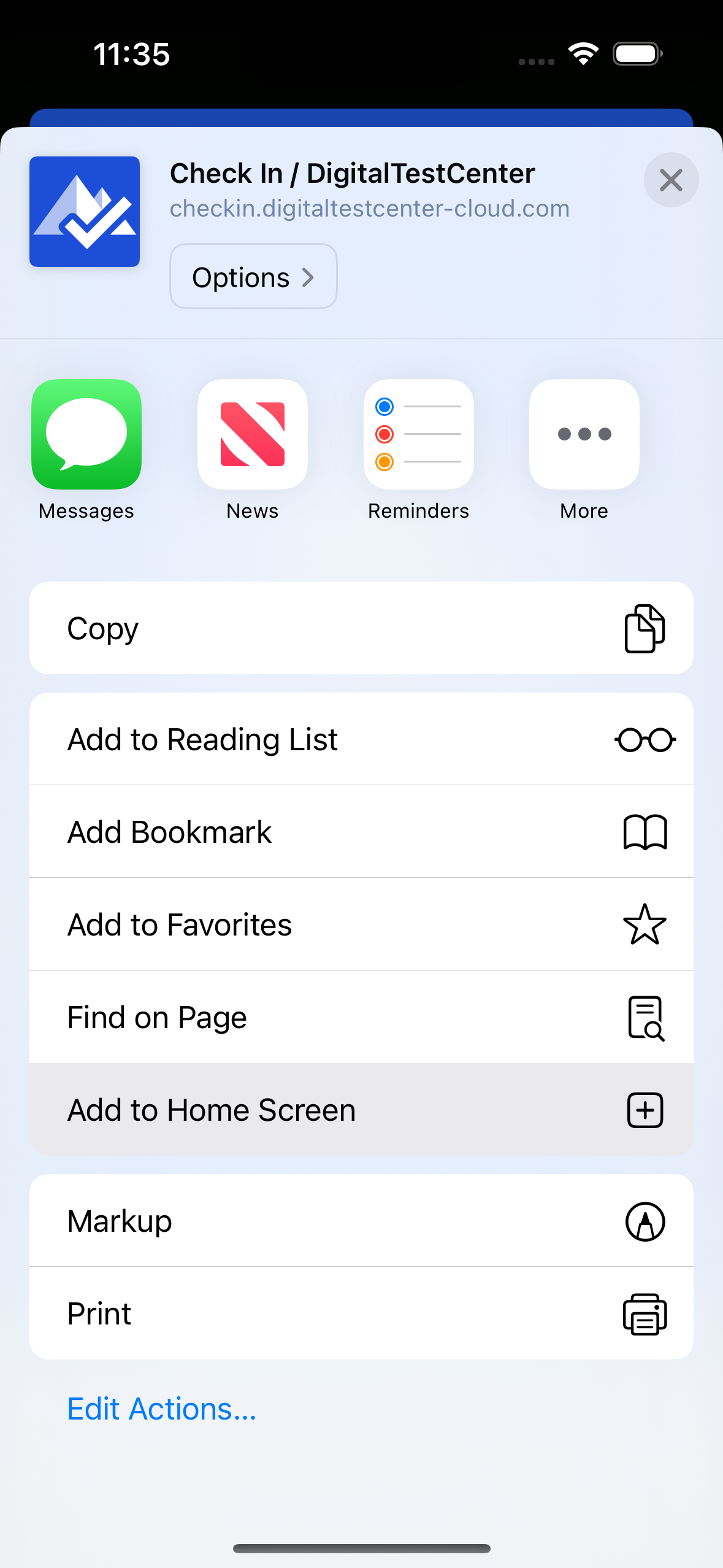
Scroll and select Add to Home Screen.
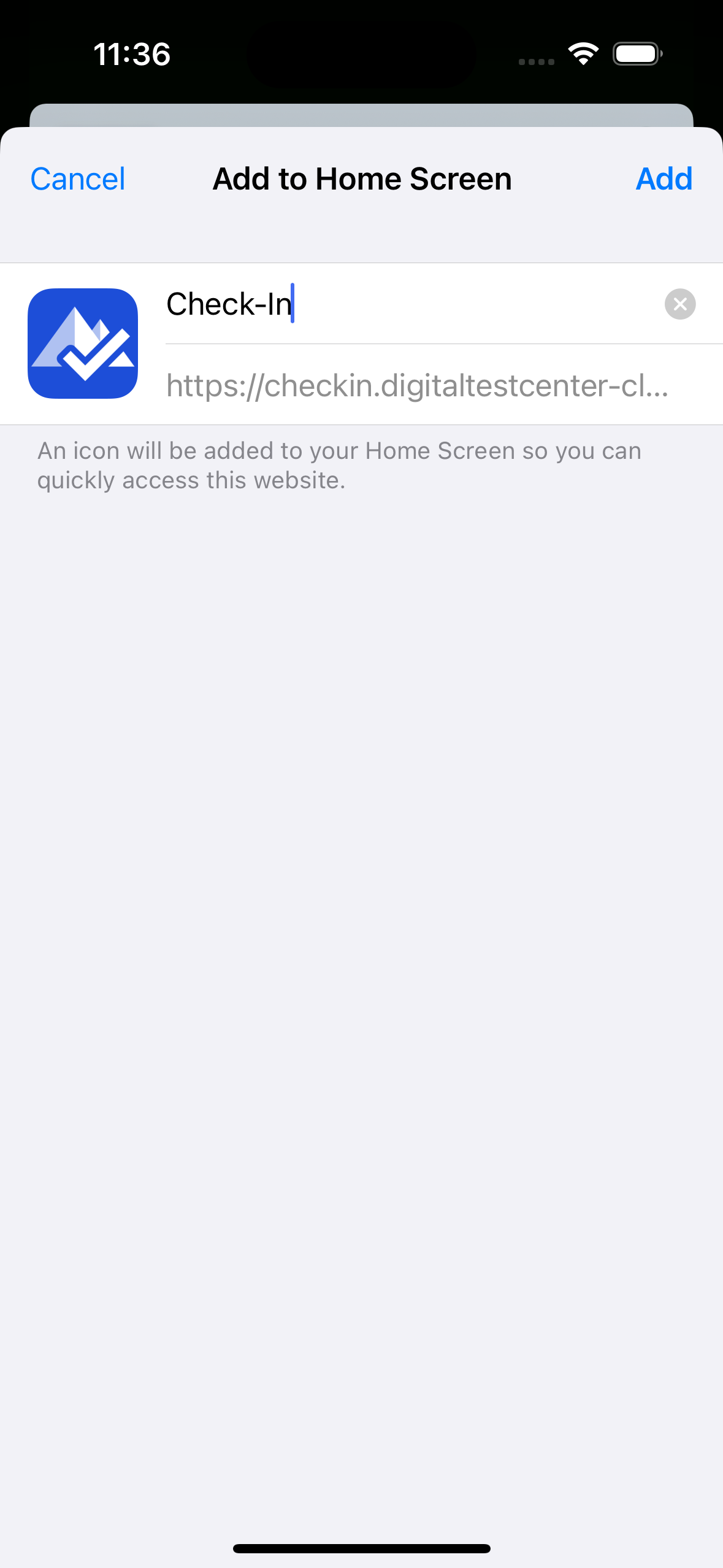
- Confirm by tapping Add.
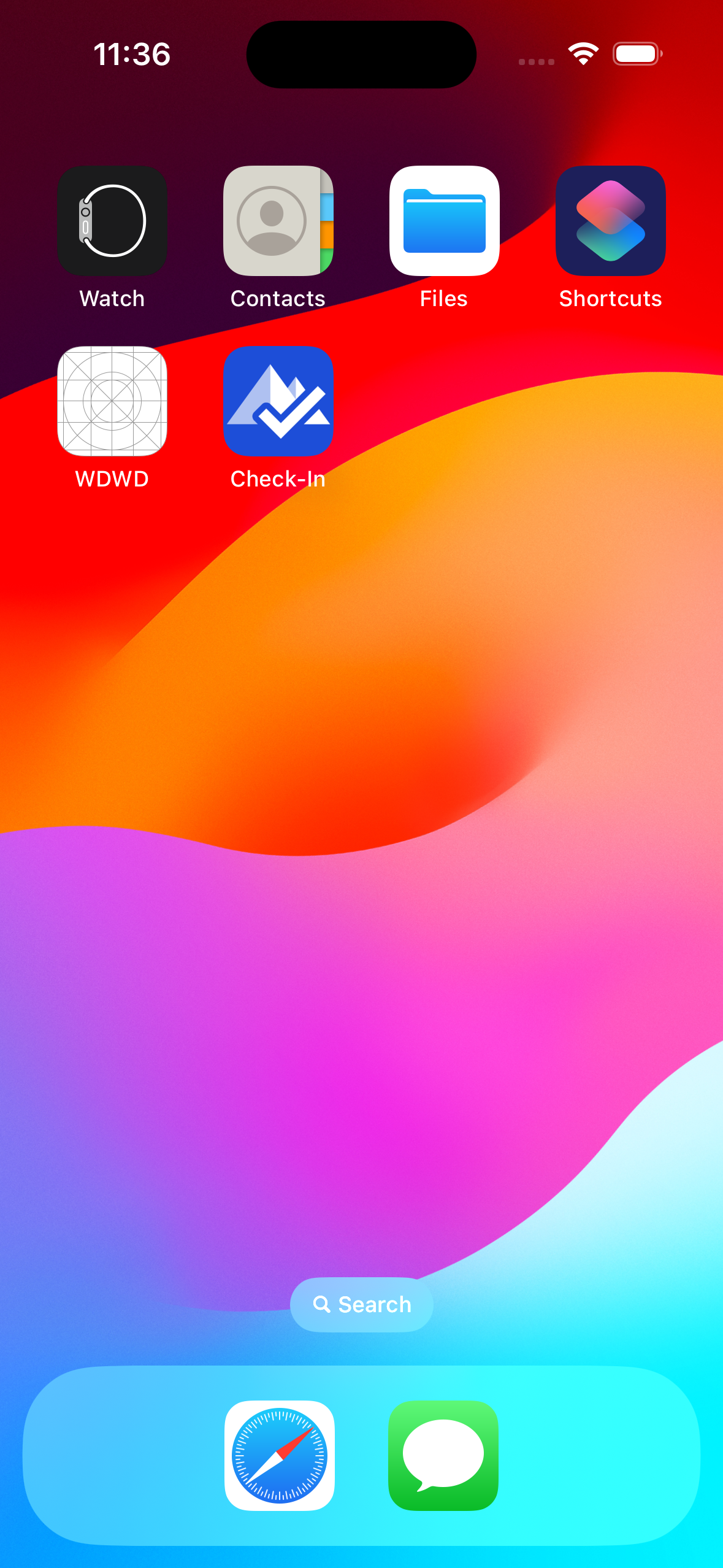
- Check-In is added to your Home Screen.
🤖 For Android
- Open Chrome and go to the https://checkin.digitaltestcenter-cloud.com.
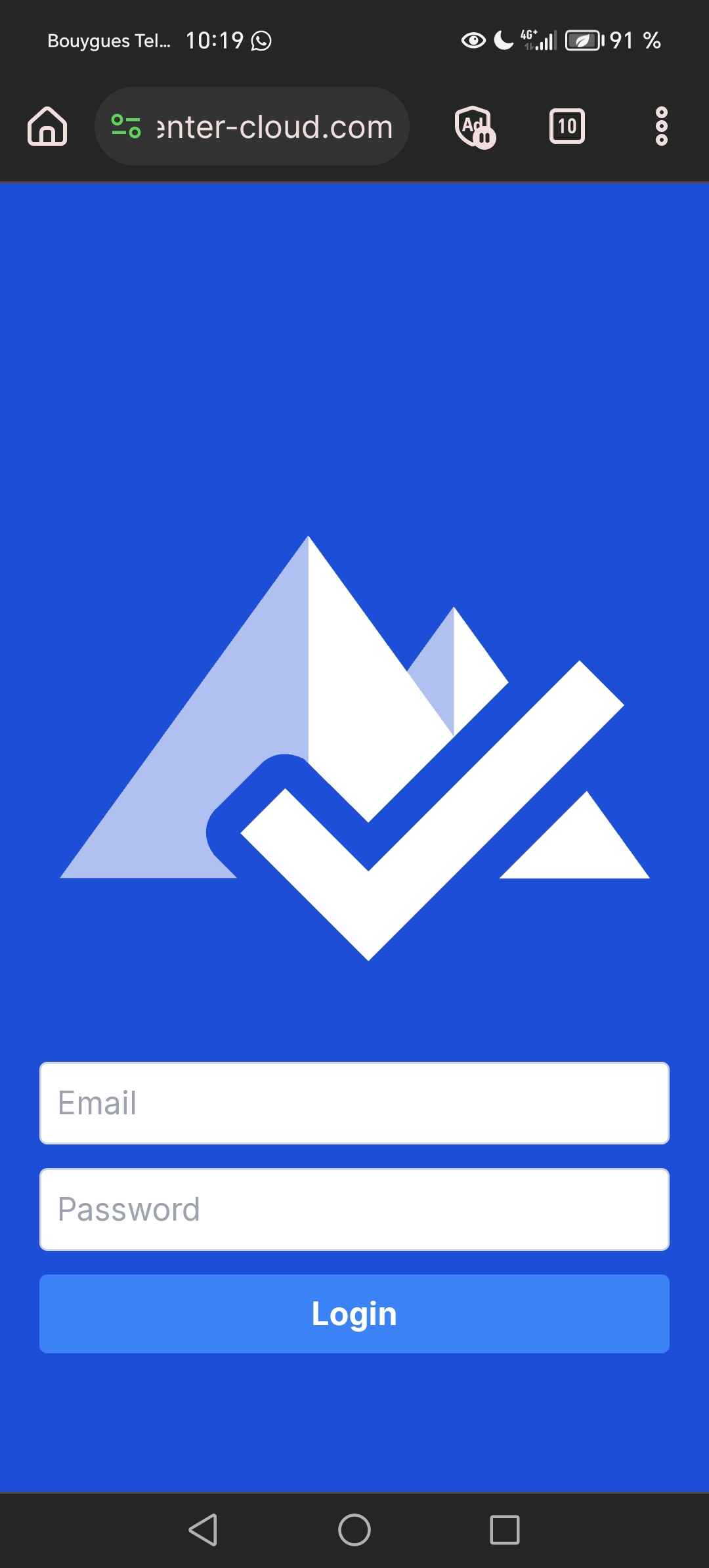
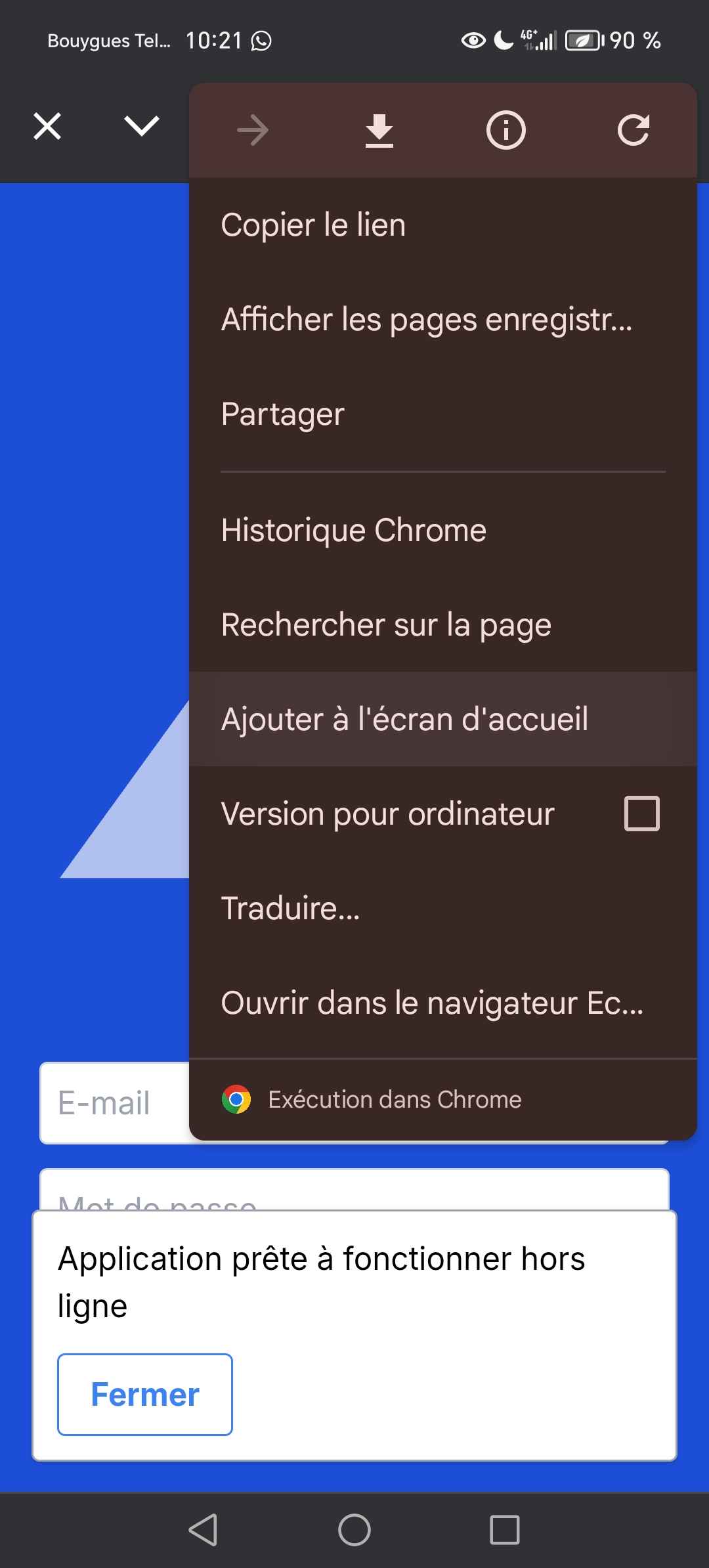
Tap the three dots in the top-right corner.
Select Add to Home Screen.
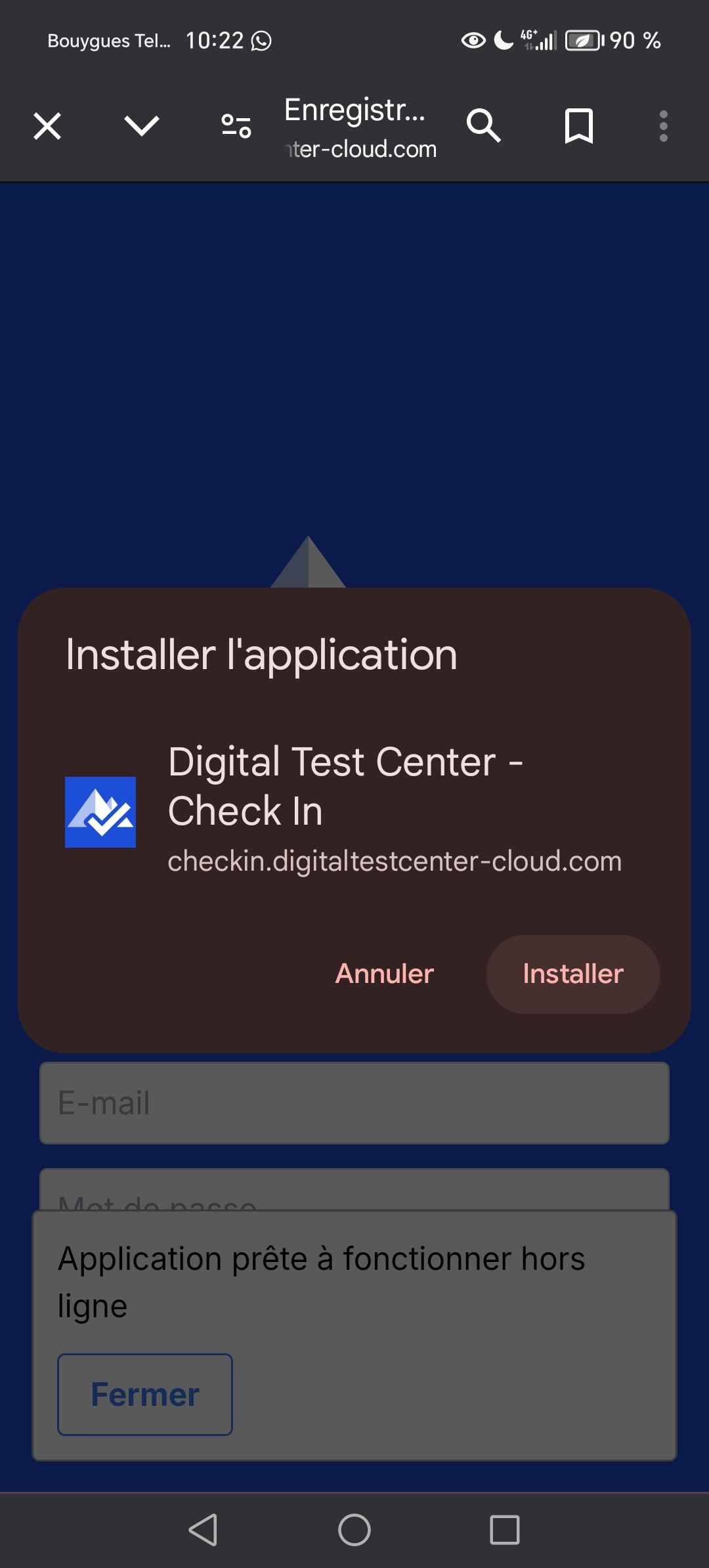
- Confirm by tapping Install.
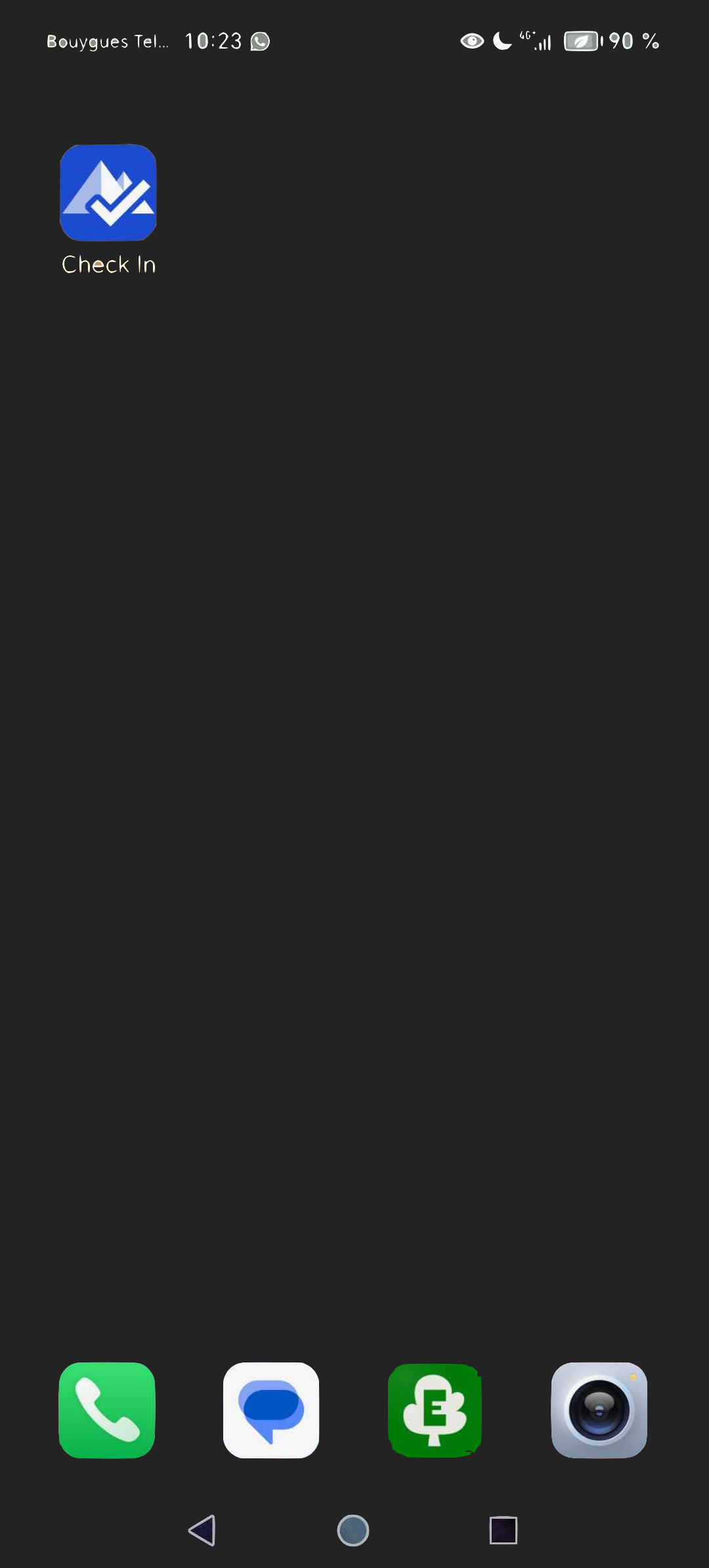
- Check-In is added to your Home Screen.